

SDK v7.x · Last verified March 2026 · iOS · Android · Web · Flutter
Speed run — just the code
Speed run — just the code
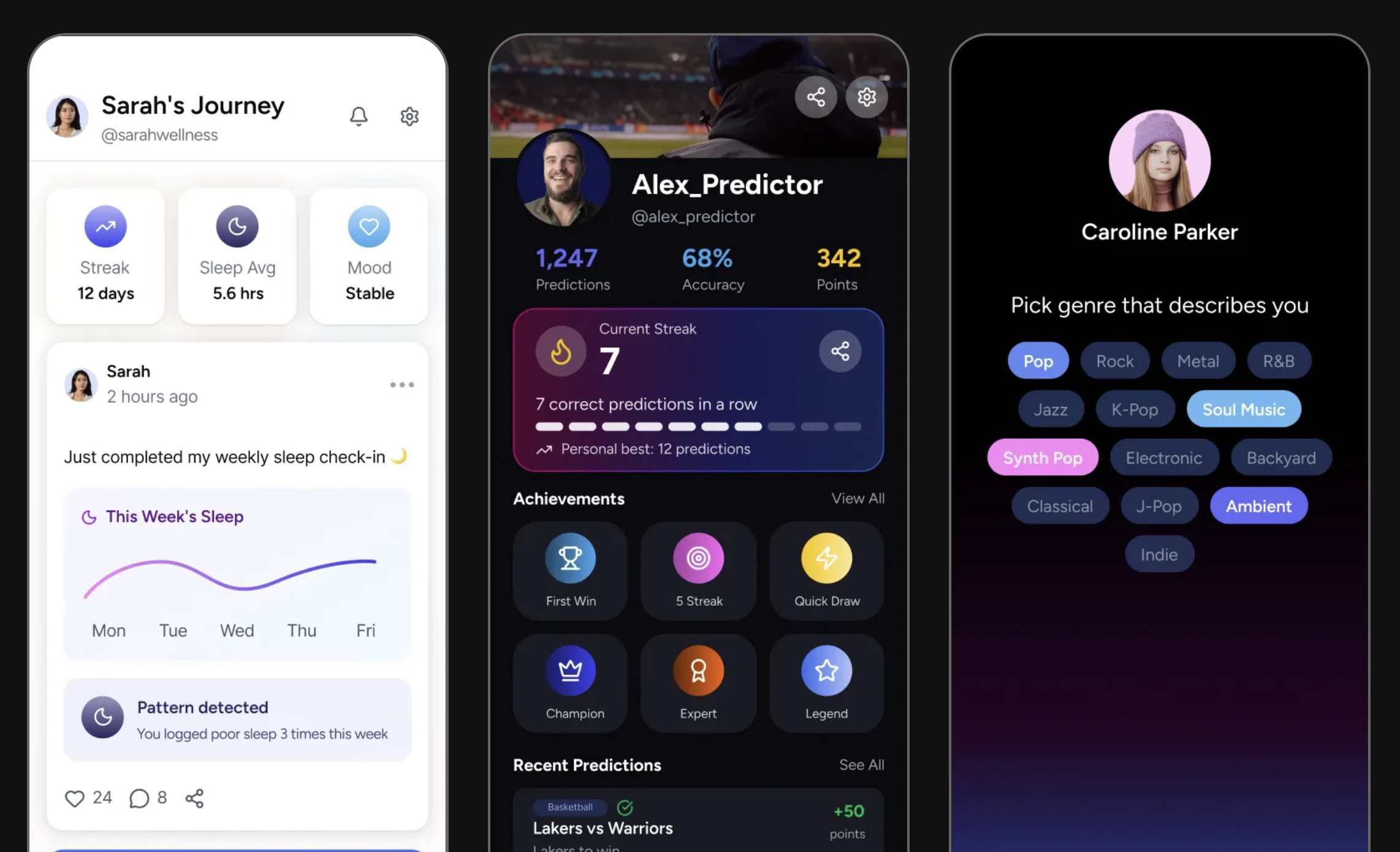
User profiles — health tracker with activity feed, sports predictor with achievements, and music preference onboarding
Data Model
Prerequisites: SDK installed and authenticated. You’ll need valid
userId values for the current user and any target users.After completing this guide you’ll have:
- User profile display with avatar, bio, and follower/following counts
- Follow, unfollow, and connection-request flows working end-to-end
- Bidirectional blocking implemented with proper feed filtering
Quick Start: Follow a User
Use the relationship API to follow another user:TypeScript
Step-by-Step Implementation
1
Get a user profile
Query a user’s profile to display their name, bio, avatar, and follower/following counts.Full reference → Get User Information
2
Follow a user
For public accounts, following is immediate. For accounts with privacy settings requiring approval, this sends a follow request.Full reference → Follow / Unfollow User
TypeScript
3
Unfollow a user
Full reference → Follow / Unfollow User
4
Handle follow requests (request-based following)
When a user’s account requires approval for follows, incoming requests land in a pending queue. Moderators or the target user can accept or decline.Full reference → Accept/Decline Follow Request
5
Get connection status
Check the relationship between two users before displaying follow/unfollow buttons. Status can be: Full reference → Get Connection Status
none, following, pending, or blocked.6
Get followers and following lists
Query paginated lists of a user’s followers and the users they follow.Full reference → Get Follower / Following List
7
Block and unblock a user
Blocking is bidirectional — neither user can see the other’s content or interact with them. You can also read both directions: the users you blocked, and the users who blocked you.Full reference → Block / Unblock User, Manage Blocked Users, Users Who Blocked You
Connect to Moderation & Analytics
User flagging
User flagging
Users can flag other users for abuse or spam. Flagged users appear in the Admin Console for moderator review.→ Flag / Unflag User · Admin Console: User Insights
User insights in Admin Console
User insights in Admin Console
View per-user analytics including post count, comment count, and activity history in Admin Console → User Management → User Insights.
Webhook: follow events
Webhook: follow events
Receive
user.followed and follow.request.created webhook events to build notification flows and sync social graph state to your backend.→ Webhook EventsCommon Mistakes
Best Practices
Privacy
Privacy
- Show follower counts as rounded numbers for large accounts (“1.2K”) to avoid gaming dynamics
- Never expose private account content before a follow request is accepted
- Let users choose between public and request-based following in their account settings
- When a user blocks another, immediately hide the blocked user’s content from all feeds client-side
UX
UX
- Show the connection status in a single CTA button: “Follow” → “Requested” → “Following”
- Display mutual followers (“3 people you follow also follow this account”) to drive trust
- Add empty states for users with 0 followers/following — show suggestions instead of a blank list
Performance
Performance
- Cache the current user’s following list locally for fast “is following” checks without a network call
- Paginate follower/following lists — request 30 at a time
- Observe user Live Objects sparingly — only subscribe when the profile screen is active
Next Steps
Your next step → User Search & People Discovery
Profiles are live — now let users find each other with search, suggestions, and “People you may know”.
Build a Social Feed
Show posts from followed users in a personalized feed
Notifications & Engagement
Notify users of new followers and follow requests
Community Platform
Manage member roles within communities