> ## Documentation Index
> Fetch the complete documentation index at: https://learn.social.plus/llms.txt
> Use this file to discover all available pages before exploring further.
# Users
> Understand acquisition, activation, engagement depth, and retention — then drill into individual members with the searchable user list.
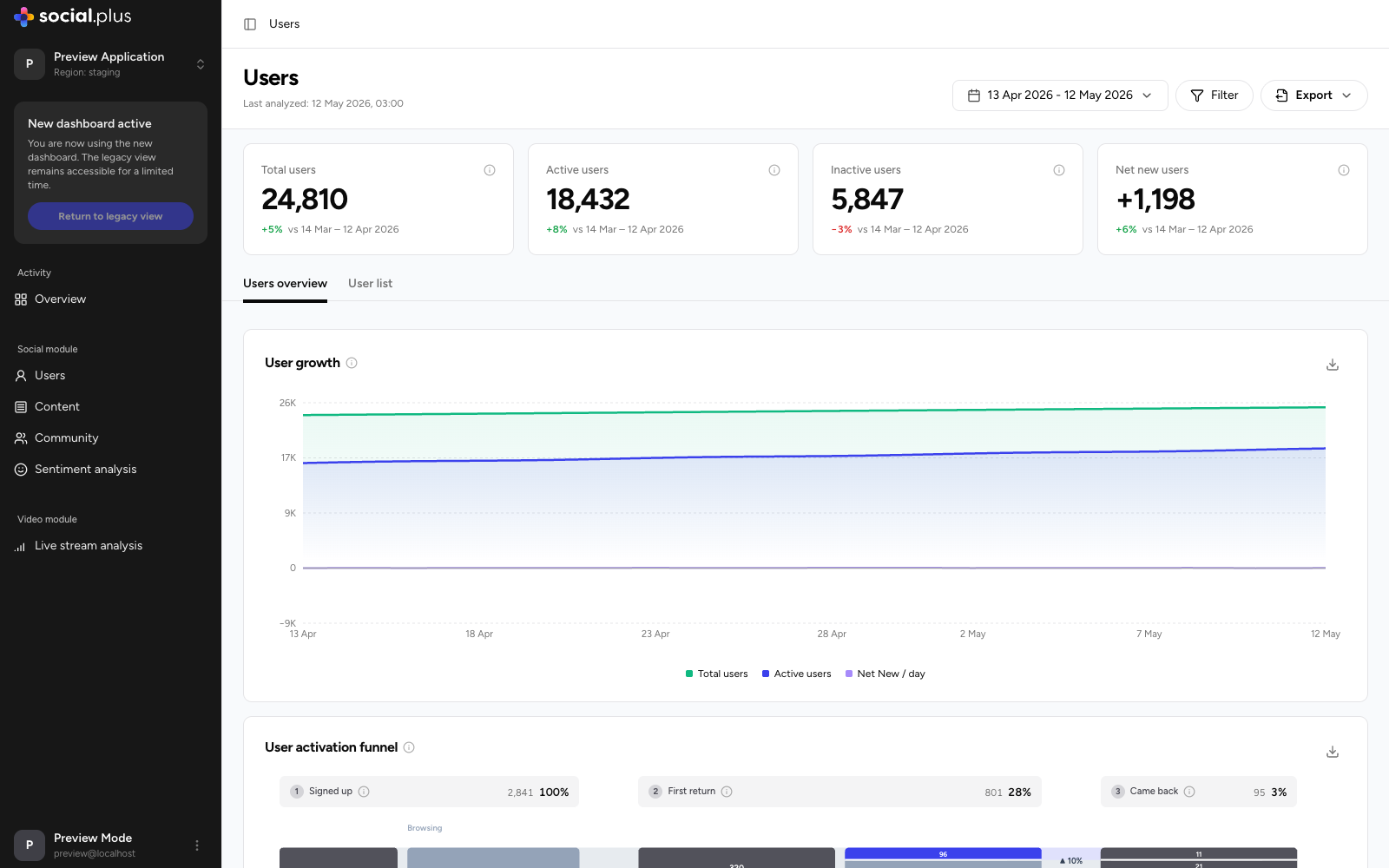
The **Users** page answers four questions: how fast are you growing, do new users come back, how deeply do active users engage, and how well do you retain each weekly cohort.
 ## Key metrics
| Metric | What it tells you |
| ------------------ | ---------------------------------------------------------- |
| **Total users** | All registered users at the end of the selected period. |
| **Active users** | Users who performed at least one action during the period. |
| **Inactive users** | Registered users with no activity during the period. |
| **Net new users** | Sign-ups minus deletions during the period. |
Each card shows the change versus the previous period of equal length.
## Filtering
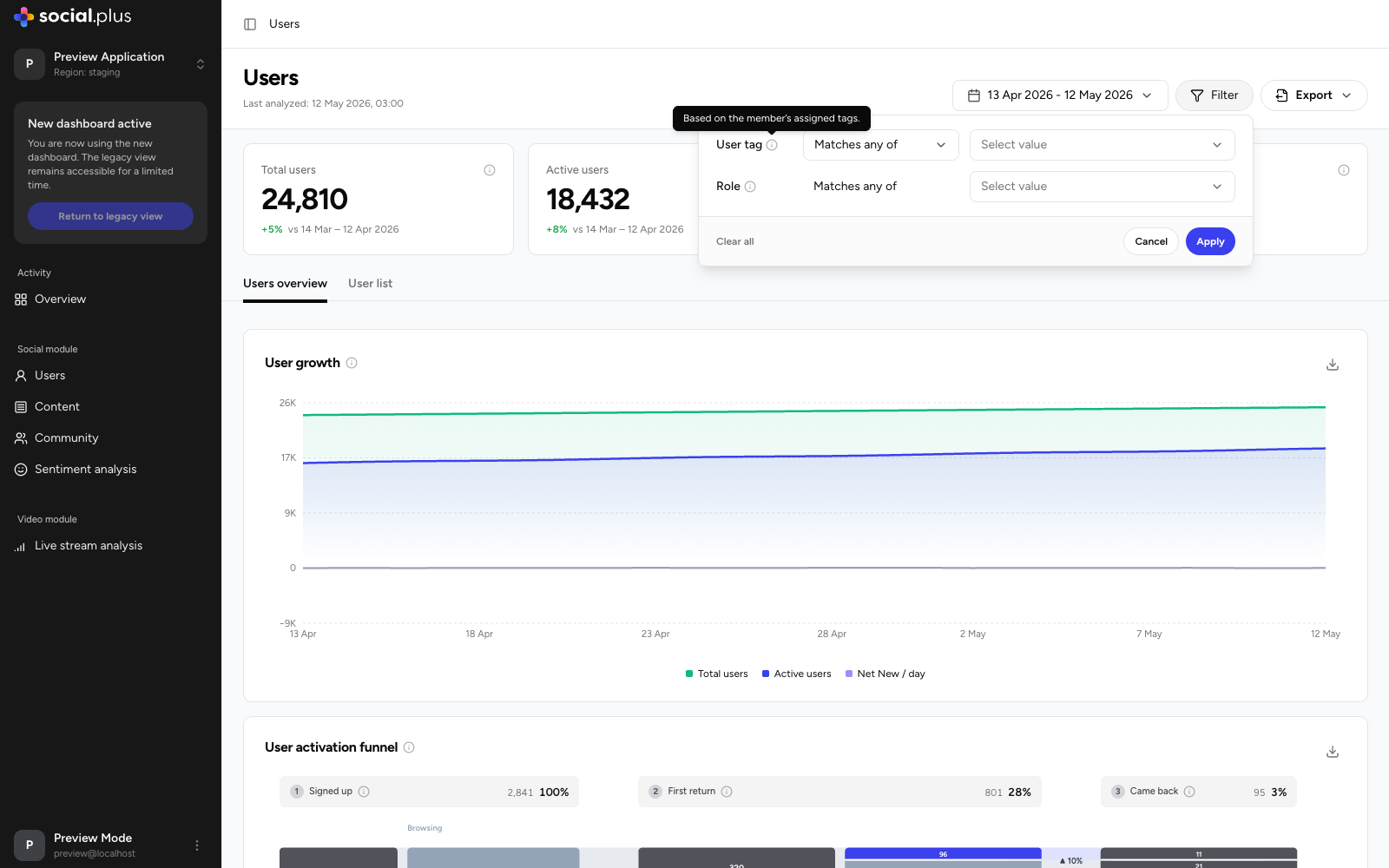
Use **Filter** in the page header to scope every widget on the page to a segment of your audience:
* **User tag** — match users by their assigned tags.
* **Role** — match users by role (member, moderator, and so on).
## Key metrics
| Metric | What it tells you |
| ------------------ | ---------------------------------------------------------- |
| **Total users** | All registered users at the end of the selected period. |
| **Active users** | Users who performed at least one action during the period. |
| **Inactive users** | Registered users with no activity during the period. |
| **Net new users** | Sign-ups minus deletions during the period. |
Each card shows the change versus the previous period of equal length.
## Filtering
Use **Filter** in the page header to scope every widget on the page to a segment of your audience:
* **User tag** — match users by their assigned tags.
* **Role** — match users by role (member, moderator, and so on).
 ## Users overview tab
### User growth
Daily trend of **Total users**, **Active users**, and **Net New / day**. Toggle each series independently and export the underlying data as CSV.
### User activation funnel
A funnel tracking new sign-ups through their first weeks:
Users who created an account in the period.
The share who came back after their first session.
The share who returned again and formed a repeat habit.
At each stage, the flow splits users into **Browsing** (viewing only) and **Participated** (created content or reacted), so you can see not just whether users return, but whether they convert into contributors. Steep drop-off between stages is your clearest signal of where onboarding needs attention.
### Engagement depth
Splits your active audience into **Contributors** (users who created posts, comments, reactions, or votes) and **Lurkers** (users who only consumed content). The **Activity mix** panel breaks down the total actions generated by contributors — reactions, comments, posts, and votes — and a toggle lets you compare **All users** against **New users** to check whether recent sign-ups engage as deeply as your established base.
### Cohort retention heatmap
Each row is a weekly sign-up cohort; each column shows the percentage of that cohort still active N weeks after signing up (week 0 is the 100% baseline). Color bands make it easy to scan: greener cells indicate stronger retention. Read down a column to see whether newer cohorts retain better than older ones — the clearest measure of whether product and community changes are working.
## User list tab
A searchable, sortable directory of individual members for the selected period.
## Users overview tab
### User growth
Daily trend of **Total users**, **Active users**, and **Net New / day**. Toggle each series independently and export the underlying data as CSV.
### User activation funnel
A funnel tracking new sign-ups through their first weeks:
Users who created an account in the period.
The share who came back after their first session.
The share who returned again and formed a repeat habit.
At each stage, the flow splits users into **Browsing** (viewing only) and **Participated** (created content or reacted), so you can see not just whether users return, but whether they convert into contributors. Steep drop-off between stages is your clearest signal of where onboarding needs attention.
### Engagement depth
Splits your active audience into **Contributors** (users who created posts, comments, reactions, or votes) and **Lurkers** (users who only consumed content). The **Activity mix** panel breaks down the total actions generated by contributors — reactions, comments, posts, and votes — and a toggle lets you compare **All users** against **New users** to check whether recent sign-ups engage as deeply as your established base.
### Cohort retention heatmap
Each row is a weekly sign-up cohort; each column shows the percentage of that cohort still active N weeks after signing up (week 0 is the 100% baseline). Color bands make it easy to scan: greener cells indicate stronger retention. Read down a column to see whether newer cohorts retain better than older ones — the clearest measure of whether product and community changes are working.
## User list tab
A searchable, sortable directory of individual members for the selected period.
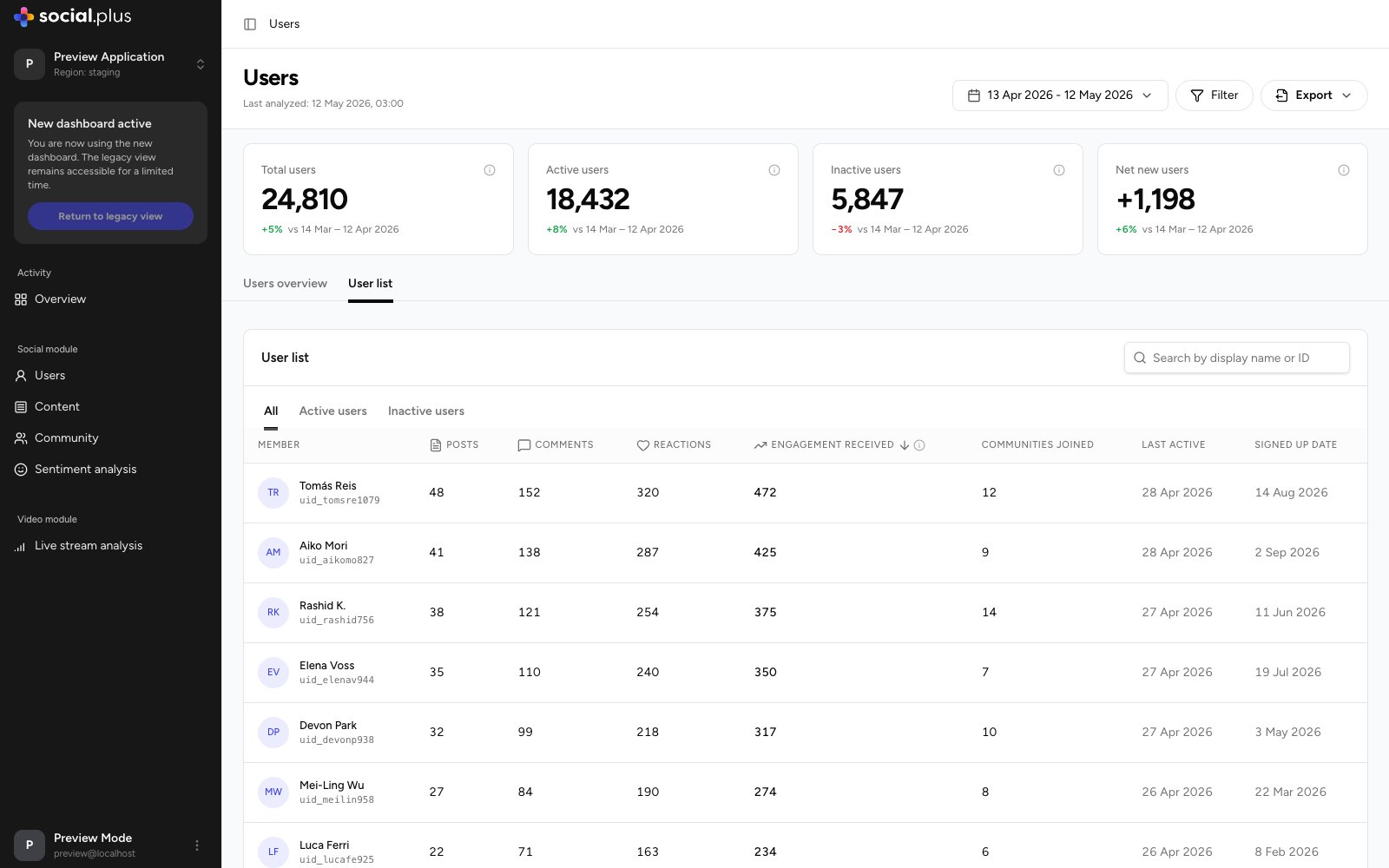 * **Search** by display name or user ID.
* **Segment tabs** switch between **All**, **Active users**, and **Inactive users**.
* **Sortable columns**: Posts, Comments, Reactions, Engagement received, Communities joined, Last active, and Signed up date.
Sort by **Engagement received** to find the members whose content resonates most — ideal candidates for ambassador or moderator programs. Sort **Last active** ascending on the Inactive tab to build a re-engagement campaign list.
* **Search** by display name or user ID.
* **Segment tabs** switch between **All**, **Active users**, and **Inactive users**.
* **Sortable columns**: Posts, Comments, Reactions, Engagement received, Communities joined, Last active, and Signed up date.
Sort by **Engagement received** to find the members whose content resonates most — ideal candidates for ambassador or moderator programs. Sort **Last active** ascending on the Inactive tab to build a re-engagement campaign list.